
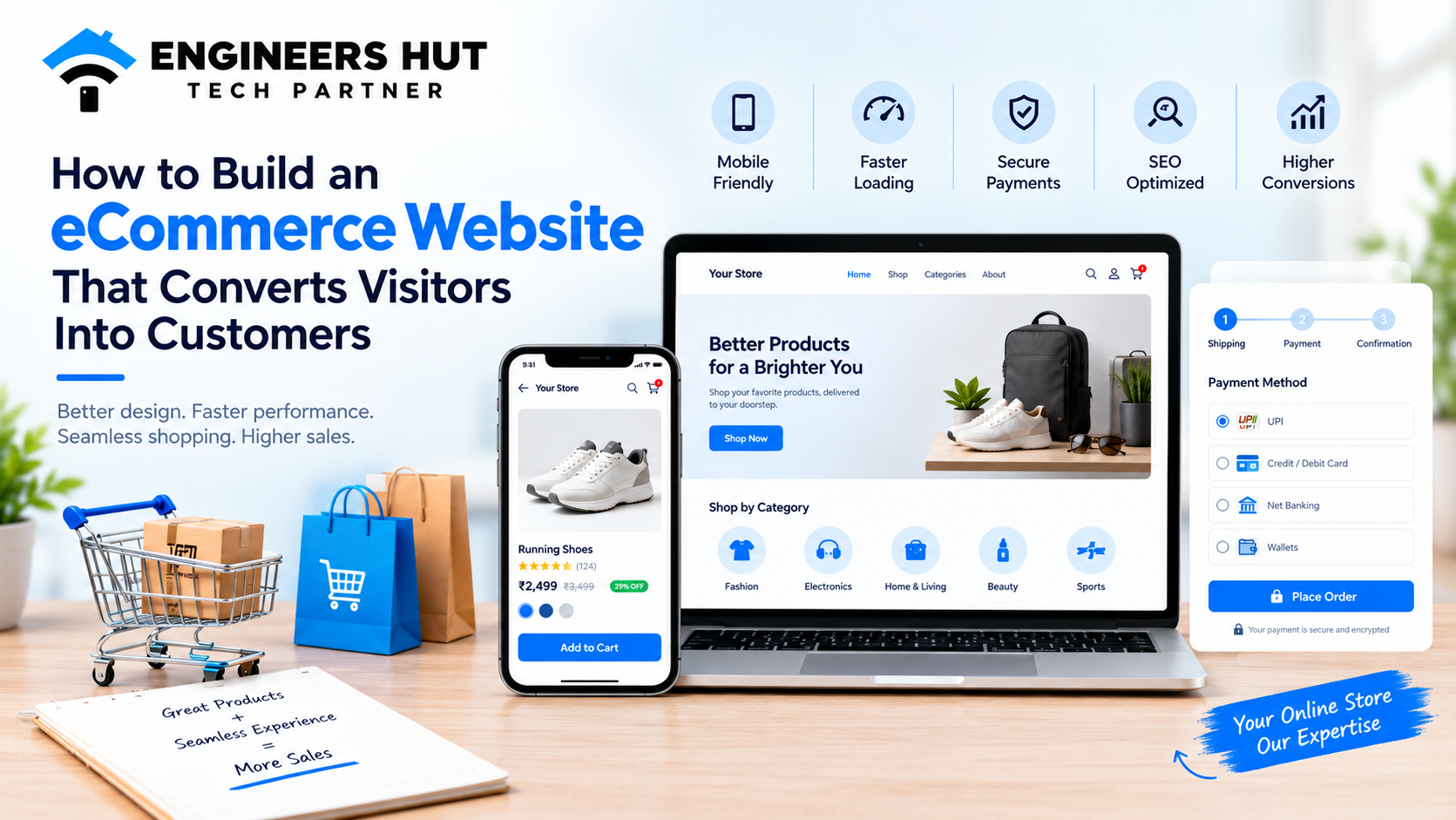
Meta Title: How to Build an eCommerce Website That Converts | Engineers Hut Meta Description: Learn how to build an eCommerce website that converts visitors into customers with better design, faster loading, SEO, secure payments, and a smooth shopping experience. Suggested URL Slug: /blog/how-to-build-an-ecommerce-website-that-converts Primary Keyword: eCommerce website development Secondary Keywords: online store development, eCommerce website design, eCommerce website optimization, custom eCommerce development, conversion rate optimization, mobile-friendly eCommerce website, online shopping website development Introduction Imagine a customer visiting your online store, finding a product they love, and adding it to their cart. Everything looks promising—until they struggle to navigate the website, wait too long for a page to load, or find the checkout process confusing. Eventually, they leave without making a purchase. This is a common challenge for online businesses. Getting visitors to your website is important, but turning those visitors into paying customers is what drives sustainable growth. A successful eCommerce website needs more than attractive product images and a shopping cart. It requires thoughtful design, fast performance, simple navigation, secure payment options, and a seamless customer experience. In this guide, we'll explain how to build an eCommerce website that converts visitors into customers, the features every online store should include, and how professional eCommerce website development can help your business grow. 1. Start With a Clear eCommerce Strategy Before designing your online store, define what you want your website to achieve. Are you launching a new brand, selling products to customers across India, expanding into international markets, or moving your existing business online? Your goals will influence your website's structure, features, technology, and overall user experience. Start by identifying: Your target audience: Understand your customers, their needs, and their shopping habits. Your product categories: Organize products into clear, logical categories. Your business model: Decide whether you'll sell directly to consumers, businesses, or both. Your sales goals: Determine whether your priority is increasing orders, average order value, or repeat purchases. Your future requirements: Plan for additional products, traffic, integrations, and new markets. A clear strategy helps you invest in the right features from the beginning and avoid expensive changes later. 2. Design a User-Friendly Online Store Your website design influences how customers perceive your brand and how easily they can find what they need. A visually attractive website may create a good first impression, but a user-friendly design helps customers move from browsing to buying. Focus on these essential elements: Simple Navigation Organize your website so customers can find products without unnecessary clicks. Use clear menus, meaningful category names, and an easy-to-find search bar. Clear Product Categories Group similar products together and provide filters for relevant attributes such as price, size, colour, brand, or availability. Consistent Branding Use consistent colours, typography, imagery, and design elements to build a recognizable brand identity. Strong Calls to Action Buttons such as "Add to Cart," "Buy Now," and "View Details" should be easy to identify and understand. Accessible Design Use readable text, sufficient colour contrast, descriptive image text, and forms that work well with keyboards and assistive technologies. SEO tip: A logical website structure also helps search engines understand the relationship between your categories, product pages, and supporting content. 3. Make Your eCommerce Website Mobile-Friendly Customers increasingly use smartphones to discover products, compare prices, and complete purchases. If your online store is difficult to use on a smaller screen, you may lose potential customers. Responsive eCommerce website design ensures that your website adapts to different screen sizes without sacrificing usability. Your mobile shopping experience should include: Responsive layouts for phones, tablets, and desktops. Product images that display clearly without excessive loading. Readable product descriptions and pricing. Touch-friendly buttons and navigation. Mobile-friendly forms and checkout fields. Convenient payment options supported by your business. Test the complete purchasing journey on real mobile devices—not just the homepage. Customers should be able to search for a product, select a variant, add it to the cart, and complete checkout without frustration. 4. Improve Website Speed and Performance Website speed matters because customers expect online stores to respond quickly. Slow pages can interrupt the shopping experience and discourage visitors from exploring additional products. Performance also matters for SEO. Google uses Core Web Vitals to assess important aspects of page experience, including loading performance, responsiveness, and visual stability. To improve your eCommerce website performance: Compress product images and use modern image formats where appropriate. Reduce unnecessary JavaScript, CSS, and third-party scripts. Enable caching where suitable. Use reliable hosting and a content delivery network when appropriate. Avoid excessive pop-ups and heavy animations. Monitor Core Web Vitals and fix issues affecting real users. Tools such as Google PageSpeed Insights can help identify performance problems and suggest improvements. The goal is not simply to achieve a high score in a testing tool. It's to make the shopping experience faster, smoother, and more reliable for actual customers. 5. Create Product Pages That Encourage Purchases Product pages are among the most important parts of an eCommerce website. Customers rely on them to decide whether a product meets their needs. A well-optimized product page answers important questions before the customer needs to contact your business. Include the following elements: High-Quality Product Images Show products from multiple angles and use clear, appropriately sized images. For products where appearance matters, additional photos can help customers make informed decisions. Detailed Product Descriptions Explain the product's benefits, features, dimensions, materials, compatibility, and other relevant specifications. Write for customers rather than repeating generic manufacturer descriptions. Transparent Pricing Display the product price, applicable discounts, shipping charges where available, and any relevant additional costs clearly. Stock and Delivery Information Provide accurate availability and realistic delivery estimates whenever possible. Customer Reviews Genuine customer feedback can help shoppers evaluate products and make more confident decisions. Clear Purchase Buttons Make the primary action easy to find and ensure that adding a product to the cart produces clear feedback. For SEO, use descriptive product titles, unique descriptions, relevant keywords, descriptive image alt text, and appropriate product structured data. These practices help search engines understand your product pages and may make eligible pages more informative in search results. 6. Simplify the Checkout Process A complicated checkout can turn an interested shopper into an abandoned cart. Customers may leave when a website asks for unnecessary information, introduces unexpected costs, or makes payment difficult. To create a smoother checkout experience: Allow guest checkout where appropriate. Request only the information needed to fulfil the order. Show shipping costs, taxes, and the final order total clearly. Provide a simple order review before payment. Offer payment methods suitable for your target market. Display clear order confirmation after successful payment. Explain how customers can contact support if something goes wrong. For Indian eCommerce businesses, suitable payment options may include UPI, cards, net banking, and supported digital wallets, depending on the payment gateway and business requirements. You can also consider features such as saved addresses, returning-customer checkout, and abandoned-cart recovery, provided they fit your business model and privacy obligations. The principle is simple: remove unnecessary obstacles between the customer and the completed purchase. 7. Build Trust With Security and Transparency Customers need to feel confident before sharing personal information or making an online payment. Trust is especially important for new businesses that haven't yet established a recognizable brand. Your website should include: HTTPS across the website. Secure payment gateway integration. A clear privacy policy and terms of service. Transparent shipping, cancellation, return, and refund policies. Accurate business contact information. Reliable order confirmation and communication. Appropriate protection for customer accounts and personal data. Never store sensitive payment information unless your architecture and compliance requirements explicitly support it. Use established payment providers and follow applicable security requirements. Trust isn't created by a single badge or security message. It comes from a consistent experience in which customers understand what they're buying, what they'll pay, and what happens after placing an order. 8. Optimize Your eCommerce Website for SEO Search engine optimization can help potential customers discover your products when they search for relevant items or solutions. A strong eCommerce SEO strategy combines technical performance, useful content, well-organized pages, and relevant product information. Conduct Keyword Research Identify the phrases your potential customers use when searching for products. Consider product names, categories, specifications, and purchase-intent phrases. For example, an online store selling furniture may target searches such as "buy wooden dining table online" or "compact dining table for small apartments" when those terms genuinely match its products. Optimize Category and Product Pages Give each important page a clear purpose. Write descriptive title tags, useful meta descriptions, unique headings, and content that addresses customer questions. Avoid repeating the same keyword unnaturally or creating large numbers of near-identical pages. Improve Internal Linking Link related products, relevant categories, buying guides, and useful blog posts together. This helps visitors discover more content and helps search engines understand your website structure. Use Structured Data Where Appropriate Product structured data can help search engines interpret details such as price, availability, ratings, and product information when the required information is present and eligible. Fix Technical SEO Issues Check for broken links, incorrect canonical tags, duplicate pages, crawlability problems, and unsuitable indexing settings. Manage product variants and out-of-stock products consistently. Publish Helpful Content Create buying guides, product comparisons, frequently asked questions, and practical articles that answer real customer questions. Remember that SEO takes time, and rankings or rich search results cannot be guaranteed. Focus on making your website useful to customers while following search engine guidelines. 9. Use Analytics to Understand Customer Behaviour You cannot improve your conversion rate effectively if you don't know where customers encounter problems. Analytics tools can help you understand which pages attract visitors, which products receive attention, and where shoppers leave the purchasing journey. Track relevant metrics such as: Website traffic by channel. Product page views. Add-to-cart rate. Checkout initiation and completion. Purchase conversion rate. Average order value. Revenue by marketing channel. Returning customer rate. For example, if a large number of customers add products to their carts but few complete checkout, investigate shipping costs, payment failures, page usability, and unexpected charges. If visitors leave product pages quickly, review product information, image quality, pricing, and whether the page matches the visitor's search intent. Use tools such as Google Analytics 4 and Google Search Console where appropriate, and configure consent and privacy controls to meet applicable requirements. Make improvements based on evidence rather than redesigning the entire website whenever sales decline. 10. Choose the Right eCommerce Development Approach Every business has different needs, so the best development approach depends on your products, budget, technical requirements, and plans for growth. Template-Based eCommerce Platforms Hosted or ready-made platforms can be suitable for businesses that need to launch quickly with standard online selling features. They may provide built-in product management, themes, payment integrations, and order processing. However, customization and recurring platform costs should be considered. Custom eCommerce Website Development Custom eCommerce development is worth considering when your business needs specialized workflows, unique customer experiences, complex integrations, or greater control over how the platform operates. A custom solution may support: Tailored product and category structures. Custom pricing and discount rules. Inventory and order management integrations. CRM, ERP, or accounting system connections. Specialized customer dashboards. Business-specific shipping and fulfilment workflows. Future integrations and functionality. Custom development can require more initial planning, investment, and ongoing maintenance. It is most valuable when the business requirements justify that flexibility. How to Decide Choose an approach that supports your current business needs without making future growth unnecessarily difficult. Consider total ownership costs, maintenance, security, scalability, integration requirements, and the team's ability to manage the platform. An experienced development partner can help you evaluate the options before you commit to a solution. 11. Keep Improving After Launch Launching your online store is the beginning of the optimization process, not the end. Customer expectations, product offerings, competitors, and technology continue to change. Regular improvements help your website remain useful and competitive. After launch, focus on: Monitoring performance and technical errors. Updating products, prices, and inventory accurately. Reviewing customer feedback and support requests. Testing changes to product pages and checkout. Updating software and security measures. Improving accessibility and mobile usability. Reviewing SEO performance and search queries. Identifying opportunities to increase repeat purchases. Where sufficient traffic is available, run controlled A/B tests to compare different page designs, product presentations, or checkout experiences. Measure meaningful business outcomes instead of relying only on clicks. Consistent, data-driven improvements can help your online store deliver a better customer experience over time. Common eCommerce Website Mistakes to Avoid Even a well-designed online store can struggle if important details are overlooked. Avoid these common mistakes: Building a website without understanding your target audience. Using slow-loading or poorly optimized images. Making navigation and product discovery confusing. Providing incomplete product descriptions. Hiding shipping charges until the final checkout step. Offering limited or unreliable payment options. Ignoring mobile users. Publishing duplicate or thin product content. Overlooking website security and maintenance. Failing to track conversions and customer behaviour. Addressing these issues early can make your website easier to use and help you identify opportunities for better business results. Conclusion: Build an eCommerce Website That Turns Interest Into Action A successful online store combines thoughtful design, fast performance, useful product information, secure payments, simple checkout, and a strong SEO foundation. Every part of the customer journey matters. From the first search result to the final order confirmation, your website should help visitors find the right product and complete their purchase with confidence. Whether you're launching a new online store or improving an existing eCommerce platform, investing in the right website development strategy can help establish a stronger foundation for long-term growth. Looking to build or upgrade your eCommerce website? At Engineers Hut, we provide web development and custom software solutions tailored to business requirements. We can help you plan and develop an online store with a focus on usability, responsive design, functionality, and future growth. Visit Engineers Hut to discuss your eCommerce website development requirements and explore how the right technology can support your business goals. Frequently Asked Questions (FAQs) 1. How do I build an eCommerce website that converts visitors into customers? Focus on a user-friendly design, fast page loading, mobile responsiveness, clear product information, transparent pricing, secure payment options, and a simple checkout process. Use analytics to identify friction points and continuously improve the customer journey. 2. How much does eCommerce website development cost? The cost depends on the platform, design complexity, number of products, integrations, payment options, and custom features. A basic store with standard functionality generally costs less than a custom platform with advanced inventory, ERP, or business workflow integrations. Request a scope-based estimate before starting development. 3. Which platform is best for online store development? The best platform depends on your budget, technical needs, product catalogue, and growth plans. Hosted platforms can suit businesses that need a quicker launch, while custom development may be appropriate for specialized functionality and complex integrations. 4. How long does it take to develop an eCommerce website? Timelines depend on the project's scope, design requirements, content readiness, integrations, and testing. A straightforward store can take considerably less time than a complex custom eCommerce platform. A development team can provide a more reliable estimate after reviewing the requirements. 5. How can I improve my eCommerce website's SEO? Optimize category and product pages, conduct keyword research, improve mobile usability and loading performance, use descriptive URLs and metadata, strengthen internal linking, address technical SEO issues, and publish useful content that matches customer search intent. 6. Why do customers abandon their shopping carts? Common reasons include unexpected costs, complicated checkout forms, limited payment options, slow pages, unclear delivery information, and concerns about security. Reviewing checkout analytics and customer feedback can help you identify the main reasons on your website. 7. Can a custom eCommerce website integrate with inventory or CRM software? Yes. Depending on the systems involved, a custom online store can integrate with inventory management, CRM, ERP, accounting, shipping, and other business applications through APIs or supported connectors. 8. Why should I hire a professional eCommerce website development company? A professional development partner can help with technical planning, design, implementation, integrations, testing, performance, and maintenance. This can reduce avoidable development problems and help align the website with your business goals. Ready to build your online store? Contact Engineers Hut through engineershut.com to discuss your project.